

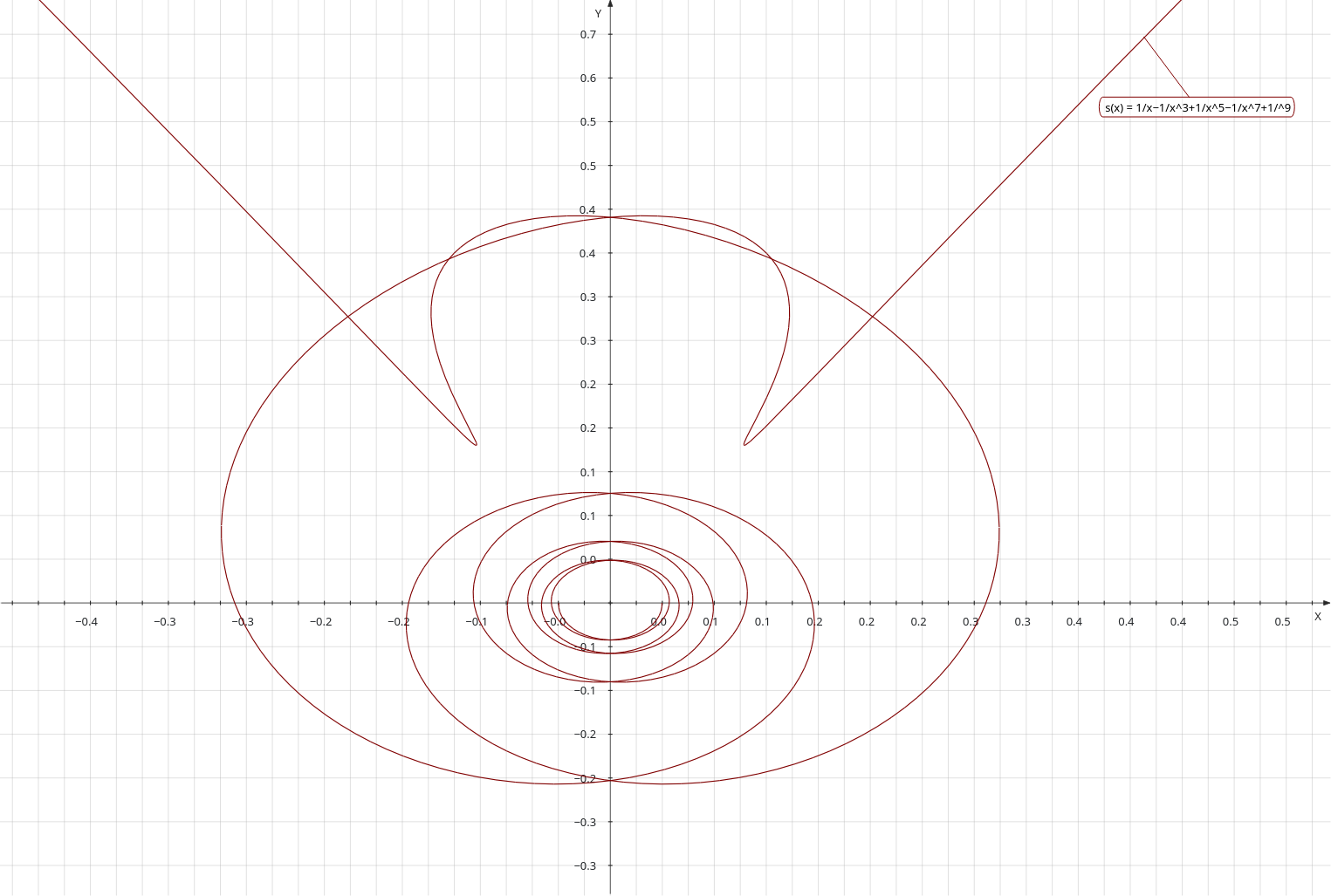
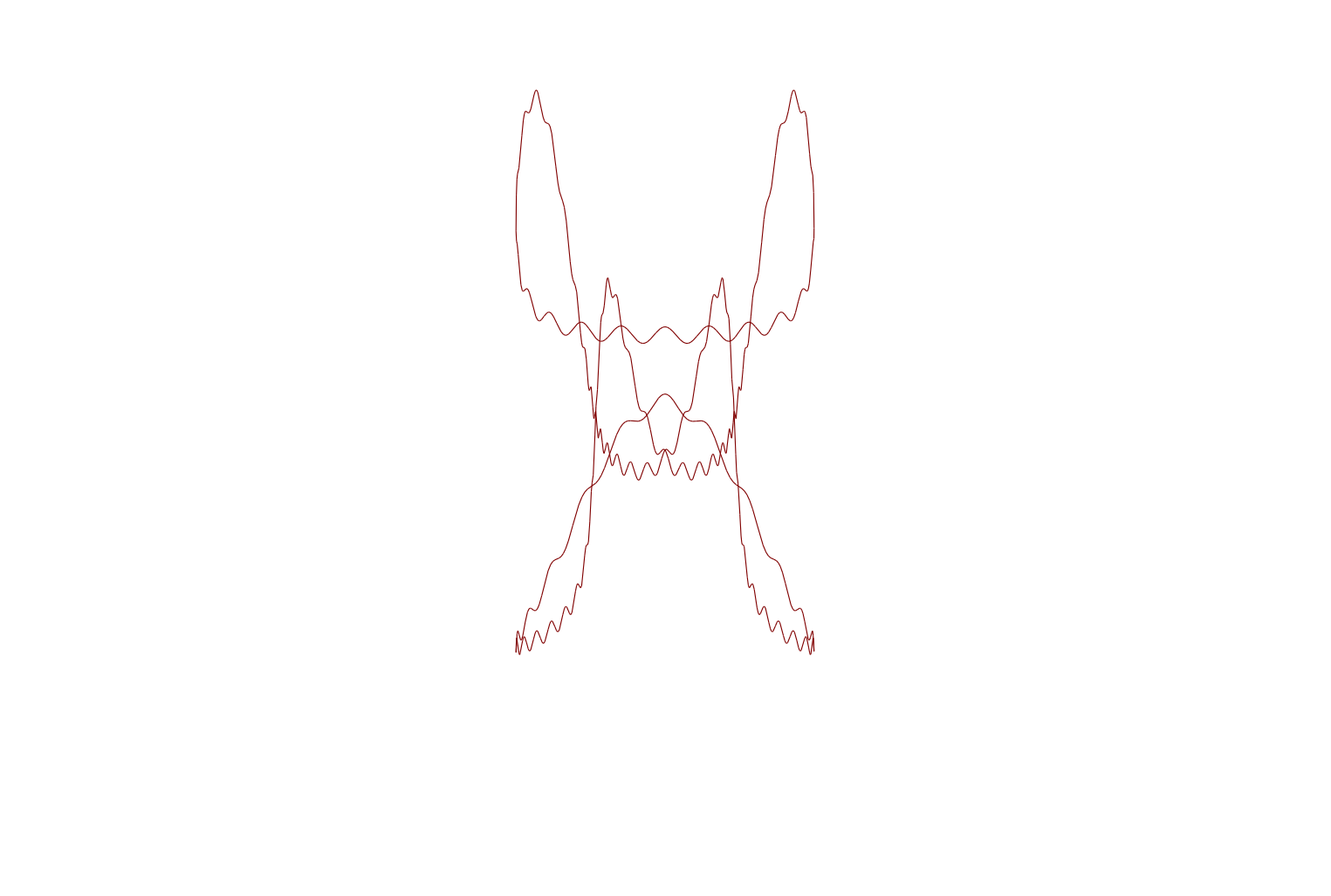
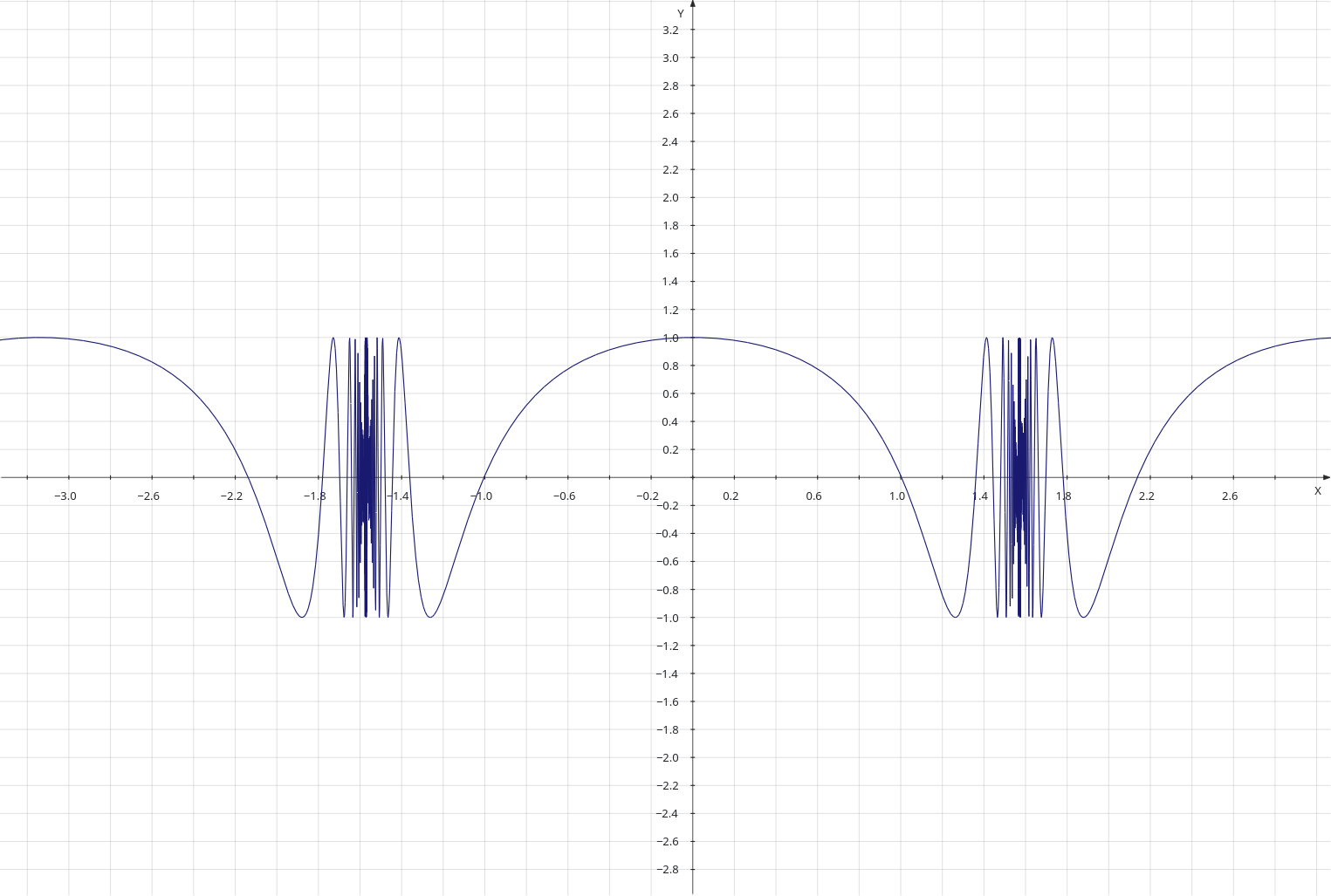
What is ‘matplotlib’? It’s a Python package which can be used to plot everything from a simple parabola or sine wave right up to complex statistical data. Of course, I use it just to print interesting curves, like the one above. I’ll discuss the program I wrote below.
Since it is a Python package it helps if you know how to write Python programs, but I don’t dive too deep into Python. Anyway, the above curves were printed by a program that is only eleven lines long!
At the top of the Python code, we need to tell it to use ‘matplotlib’ and I’ve included a line to tell the code that we need to use the ‘numpy’ maths package. Here’s the first bit of the program:
import matplotlib.pyplot as plt  # This is the plotting library
import numpy as np               # A common Python package
Plotting something involves matching one set of data against another. Commonly these sets of data are named ‘x’ and ‘y’, but they can have any names that the plotter desires. The relevant code in this program is as follows:
max_range = 1000
x = np.linspace(-2*np.pi, 2*np.pi, max_range)
y = np.sin(x)
The line that starts ‘x =’ uses the numpy ‘linspace’ routine to generate a numpy array of one thousand (max_range) elements evenly spaced between -2 time pi and 2 times pi. The line that starts ‘y =’ then creates another numpy array, taking the individual elements of the array x, applying the numpy sine function and appending the result to the end of the array y.
In the earliest version of this program, I created the two numpy arrays by means of a loop, but by creating numpy arrays using this method, I can do it in two lines. Like all good ideas I got it from someone else’s program on the Internet. There is only one program, the old joke goes, and that is the “Hello World!” program, and all other programs are descendants of that single archetype.
OK, so, I created two more arrays using the same technique, and here are the two lines of code:
z = np.sin(2*x)
zz = np.sin(4*x)
So, I could have drawn three plots, one for each array, but that wouldn’t have been that interesting, so I decide to plot the sum of all three arrays (against the x array), and also the product of all three arrays (again, against the x array). Numpy arrays make this easy.
# y = np.sin(x) * np.sin(2*x) * np.sin(4*x)
plt.plot(x, y * z * zz, label='product')
# y = np.sin(x) + np.sin(2*x) + np.sin(4*x)
plt.plot(x, y + z + zz, label='sum')
The ‘plot’ statements each draw a line in the final figure, and generate a label for the line. The comments describe the curve in an x/y format, in a simple mathematical style .
The final couple of lines (see below) are needed to show the labels and the complete figure. Below is the whole Python program, comments and all.
import matplotlib.pyplot as plt
import numpy as np

# Basic Figures
# sine wave
max_range = 1000
x = np.linspace(-2*np.pi, 2*np.pi, max_range)
y = np.sin(x)

# sine wave, freq * 2
# x = np.linspace(-2*np.pi, 2*np.pi, max_range)
z = np.sin(2*x)
zz = np.sin(4*x)

# y = np.sin(x) * np.sin(2*x) * np.sin(4*x)
plt.plot(x, y * z * zz, label='product')
# y = np.sin(x) + np.sin(2*x) + np.sin(4*x)
plt.plot(x, y + z + zz, label='sum')

plt.legend()
plt.show()
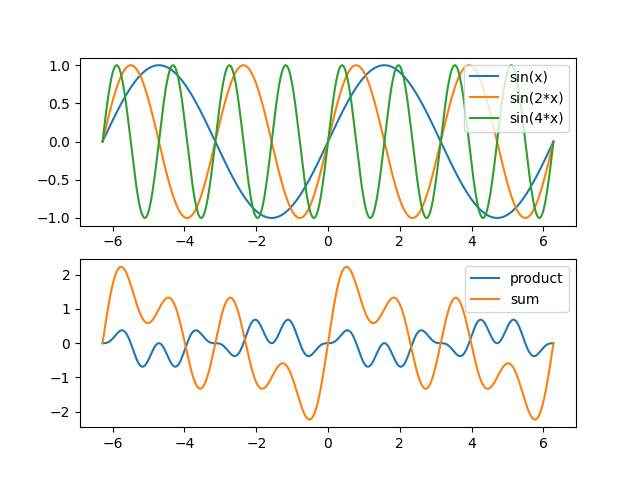
To close the post, I’m going present a more complex example. This one combines the plots described above, with a separate subplot of the three waves that were used to create the first subplot. At the very end is the source code.
import matplotlib.pyplot as plt
import numpy as np

# Basic Figures
# sine wave
max_range = 1000

fig, (ax1, ax2) = plt.subplots(2, 1)

# The x array runs from -2*pi to +2*pi
x = np.linspace(-2*np.pi, 2*np.pi, max_range)

# One component of the final plot
y = np.sin(x)

# sine wave, freq * 2
z = np.sin(2*x)
# Freq * 4
zz = np.sin(4*x)import matplotlib.pyplot as plt
import numpy as np

# Basic Figures
# sine wave
max_range = 1000

fig, (ax1, ax2) = plt.subplots(2, 1)

# The x array runs from -2*pi to +2*pi
x = np.linspace(-2*np.pi, 2*np.pi, max_range)

# One component of the final plot
y = np.sin(x)

# sine wave, freq * 2
z = np.sin(2*x)
# Freq * 4
zz = np.sin(4*x)
ax1.plot(x, y, label='sin(x)')
ax1.plot(x, z, label='sin(2*x)')
ax1.plot(x, zz, label='sin(4*x)')

legend1 = ax1.legend()

# y = sin(x) * sin(2x) * sin(4x)
ax2.plot(x, y * z * zz, label='product')
# y = sin(x) + sin(2x) + sin(4x)
ax2.plot(x, y + z + zz, label='sum')

legend2 = ax2.legend()

plt.show()
ax1.plot(x, y, label='sin(x)')
ax1.plot(x, z, label='sin(2*x)')
ax1.plot(x, zz, label='sin(4*x)')

legend1 = ax1.legend()

# y = sin(x) * sin(2x) * sin(4x)
ax2.plot(x, y * z * zz, label='product')
# y = sin(x) + sin(2x) + sin(4x)
ax2.plot(x, y + z + zz, label='sum')

legend2 = ax2.legend()

plt.show()






 Me on the net